Why Professional Network Cabling Ensures Faster and Reliable Connectivity
You upgraded to the fastest plan your provider offers, yet video calls still freeze, the smart TV buffers, and the office at the back of the house drops signal every afternoon. You have rebooted the router countless times, moved it higher, and added a wireless extender that helped for about a week. The frustrating part is that the problem usually is not your internet plan at all.
After running cable through hundreds of homes, we can tell you the single biggest fix for slow and unreliable connectivity is rarely a faster plan or a newer router. It is solid, properly installed network cabling running straight to the rooms that matter. Wireless signal weakens with every wall, floor, and appliance it passes through, while a dedicated wired line carries the full speed you are paying for directly to the device.
Why Your Connection Slows Down Even on a Fast Plan
The speed you pay for is measured at the modem, not at your laptop on the far side of the house. Every time that signal travels wirelessly, it loses strength pushing through drywall, brick, ductwork, and the other wireless devices competing for the same airspace. By the time it reaches a bedroom two walls away, you may be using a fraction of what you pay for.
Wired connections behave differently. A copper run terminated correctly carries near full speed across a typical home with almost no loss. Trouble starts when cable is pushed too far, since performance falls off sharply past roughly 100 meters, or about 328 feet, of continuous run. It also starts when older cable rated for slower speeds is left in the walls, when connectors are crimped loosely, or when data cable runs tight against electrical wiring, which feeds in interference that shows up as random slowdowns.
How Professional Network Cabling Fixes the Root Problem
Professional network cabling solves the issue at its source by giving your most important devices a direct, interference free path back to the modem. Your desktop, television, console, and access points each get a dedicated line, which clears up the buffering and dropouts that router shuffling never fixes.
The advantage comes down to how the cable is installed. Each twisted pair inside the jacket is engineered to cancel out electrical noise, but only when the twists stay intact right up to the connector. We keep the untwist under half an inch at every termination, route cable well away from electrical lines, and respect the bend radius so the internal geometry stays true. We also feed wireless access points from wired connections where coverage drops, so the wireless you do use rides a strong backbone instead of a weak relayed signal.
Cat6, Cat6A, and Fiber: What Your Home Actually Needs
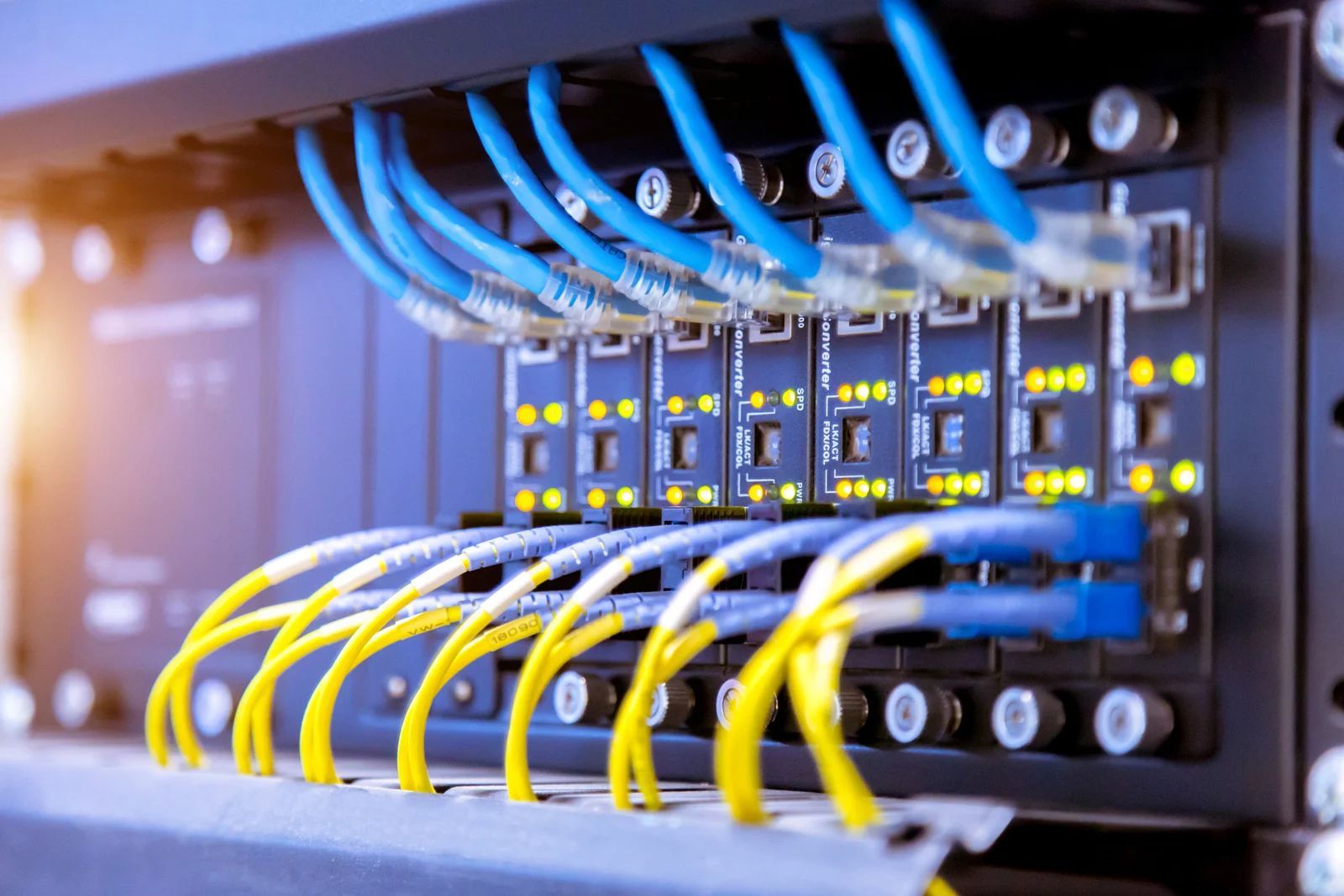
The right cable depends on how far the run is and how much speed you want to protect for the years ahead. For most homes, Cat6 handles current and near future speeds comfortably across standard room distances. When runs get longer or interference is a concern, Cat6A holds that performance more reliably thanks to its heavier shielding and tighter build.
Fiber enters the picture for long runs between buildings, such as a detached shop, garage, or guest house, where copper would lose too much signal. Because it carries light rather than electrical signal, fiber shrugs off the interference and storm related surges that travel down copper. We often run a copper backbone inside the main house and fiber out to separate structures, which keeps speed steady without exposing your equipment to surge risk.
Where Do It Yourself Cable Runs Usually Go Wrong
Running your own cable looks simple, and for a short, visible run it sometimes is. The trouble hides in details that are easy to miss. The most common mistake we correct is cable run parallel and tight against electrical wiring. It feels efficient to follow the same path, but the electrical field bleeds noise into the data line and produces the exact slowdowns you were trying to solve.
The second issue is over untwisting the pairs at the jack. Stripping back too much feels harmless, yet it undoes the noise cancellation the cable depends on. The third is bending or stapling cable too tightly, which crushes the pairs inside and permanently changes how the signal travels. None of these failures show up by looking at the cable. They surface later as a connection that tests fine one minute and stutters the next, which is why so many self installed runs get pulled out and redone.
How Local Climate Quietly Wears on Your Cabling
Cabling lives in a harsh environment, and conditions in this region put real stress on it. Attic temperatures here climb well past comfortable levels through the long summer, and that sustained heat slowly hardens and cracks the outer jacket on cable never rated for those extremes. A run through a hot attic ages far faster than cable inside a conditioned wall.
Humidity is the second factor. Moisture that works into a poorly sealed exterior run corrodes copper and degrades the link long before the cable looks worn. Frequent thunderstorms add a surge risk that travels easily down copper between buildings, one more reason we favor fiber for any run that leaves the main structure. Older homes built with brick and block walls bring their own challenge, since those dense walls block wireless badly and make a hardwired connection the only consistent fix.
When to Bring in a Professional
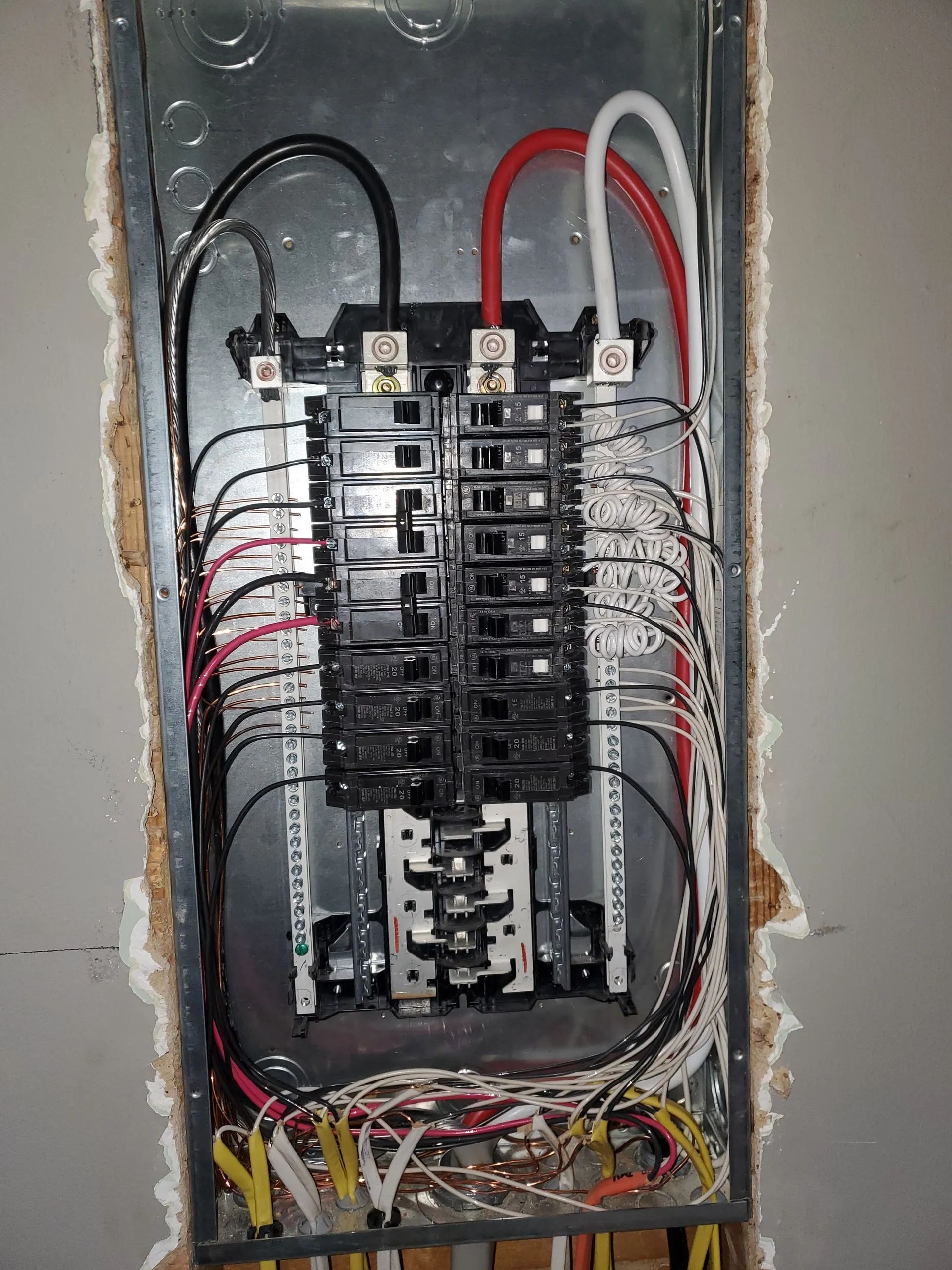
Network cable carries low voltage and is safe to handle, but the places it has to go often are not. Fishing cable through finished walls, working in a hot attic, and routing lines anywhere near the electrical panel all carry real risk.
WARNING: Contact with live wiring while feeding a cable through a wall cavity is a genuine shock hazard, not a remote one. If a run has to cross near electrical wiring, stop and bring in someone qualified.
TIP: Before assuming the problem is your cabling, plug a laptop directly into the modem with a short cable and run a speed test. If the wired speed is strong but your wireless is weak, the fix is dedicated lines to the rooms that matter, not a new plan.
A simple, visible run to a nearby room is something a careful homeowner can manage. Anything hidden in walls, exposed to weather, or sharing space with electrical wiring is worth doing right the first time, since pulling failed cable out of a finished wall is far more work than installing it cleanly.
Frequently Asked Questions
Is a wired connection really faster than modern WiFi?
For raw stability, yes. A wired line gives consistent speed and far lower lag, which matters most for video calls, gaming, and large uploads. Modern wireless is fast in the same room but still weakens through walls, floors, and competing devices around your home, and the gap widens as more devices connect at once.
How long does a network cabling job usually take?
Most homes with a few drops finish in a single day, often a few hours once access is sorted. Larger homes, longer runs, or wiring to a detached building can stretch into a second day, mainly because fishing cable cleanly through finished walls takes patience and careful planning around the existing framing and insulation.
Can I run network cable near my electrical wiring?
We advise against it. Running data cable tight against electrical lines induces interference that slows your connection, and working near live wiring while fishing cable through walls is a genuine shock hazard. Keep clear separation, or have someone experienced handle any run that crosses electrical paths, especially around any service panels and junction boxes.
Does the local climate affect how long cabling lasts?
It does. Long, hot summers bake attic-mounted cable and harden its jacket faster than cable in conditioned walls, while humidity corrodes exposed copper. For runs in attics or between buildings, we use weather-rated cable and fiber so heat does not shorten its life or quietly degrade your home connection over the years.
Do I need Cat6A or is Cat6 enough?
For most homes, Cat6 carries current speeds easily across normal room distances. Choose Cat6A when runs are long, when you want to protect higher speeds for years ahead, or when nearby electrical noise is a concern. We help you match the right cable to each specific run so nothing is over or under built.
Reliable Wired Connections Built by Experienced Local Hands
The principle to remember is simple. Slow and unreliable connectivity is almost always a delivery problem, not a plan problem, and professional network cabling fixes it by carrying full speed straight to the devices that matter. In this part of northwest Georgia, where hot attics, humid summers, frequent storms, and older brick construction all work against a clean signal, that wired backbone matters even more.
At Wright Electrical Services LLC, we have spent 26
years wiring homes and businesses for fast, dependable connections that hold up to local conditions. We
design and install structured network cabling
throughout Rome, Georgia. If your connection keeps letting you down, reach out and let us build you a network that finally keeps up with your home.